
Set and review your budget
See how much is left to spend this month and change a category's budget.
Updated 2026-10-07
A budget is the amount you plan to spend in a category each month. DuoCents compares it with what you actually spend, so you can see where you stand at a glance.
Where to find it
Open Budget from the bottom bar.
Steps
- At the top you see the period and
Left to spend, the part of your budget you have not used yet. - Use the arrows next to the period to move to the previous or next month.
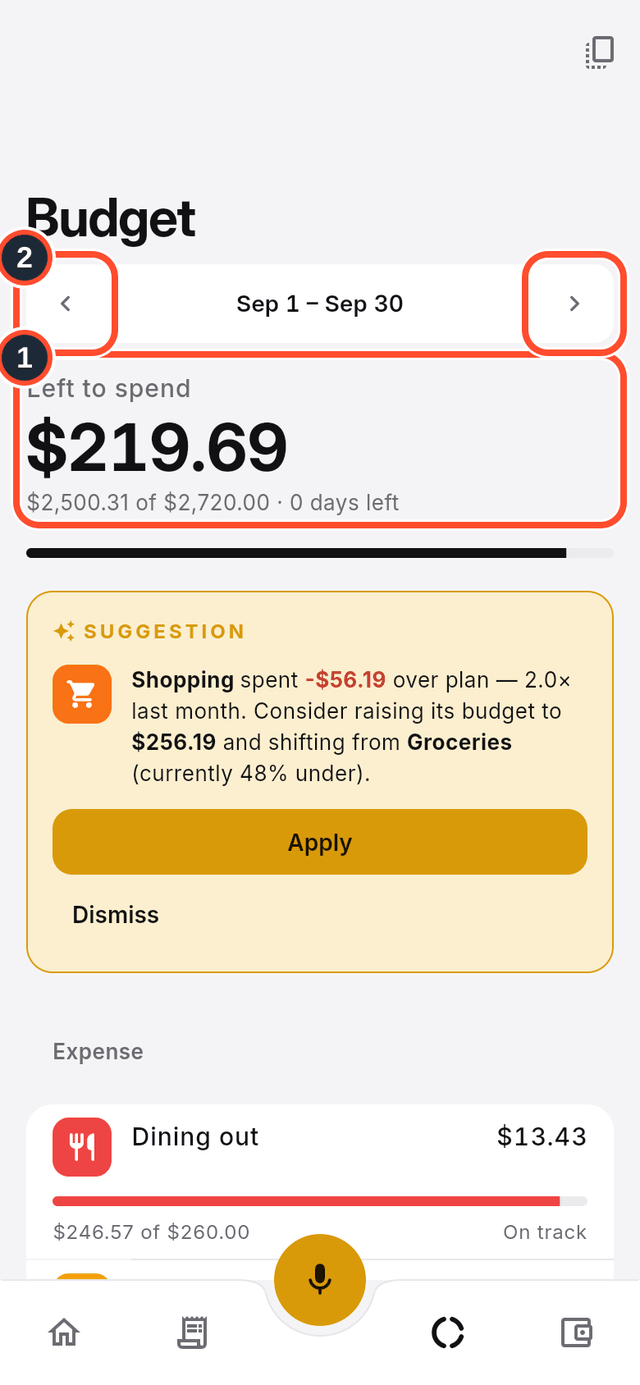
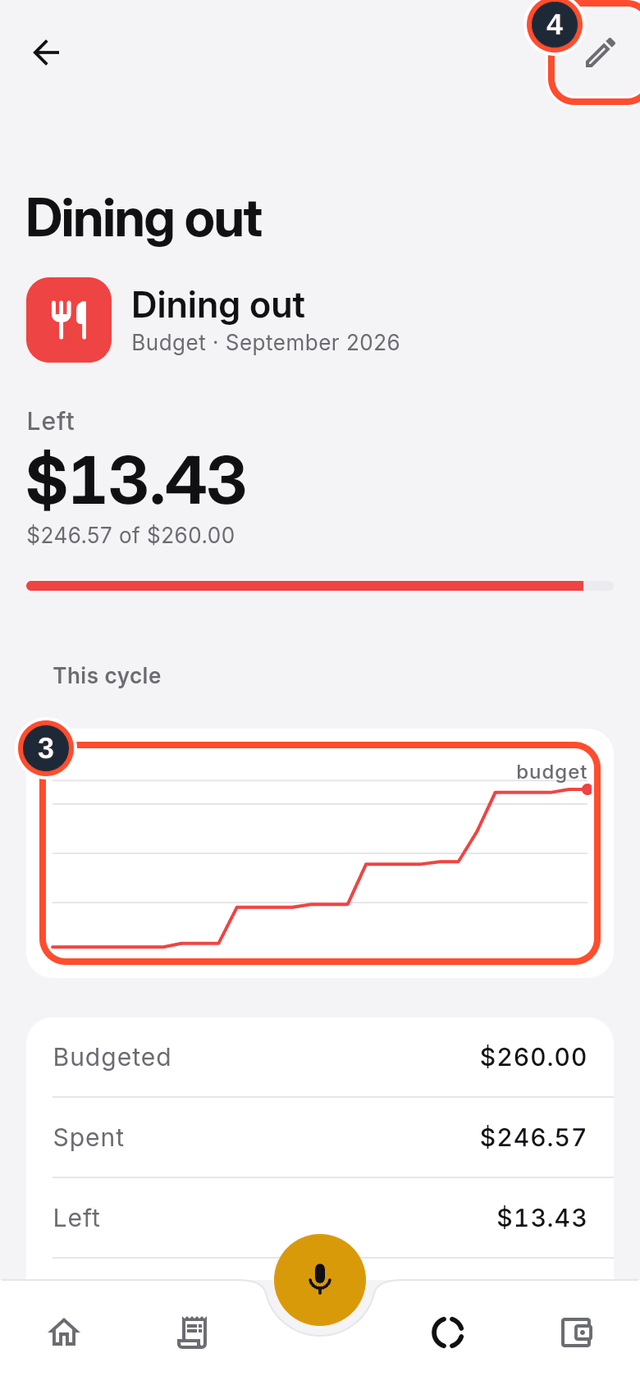
- Tap a category, such as Dining out, to see how its spending has grown through the period.
- Tap the pencil at the top right (its label is
Edit) to change that category's budget.
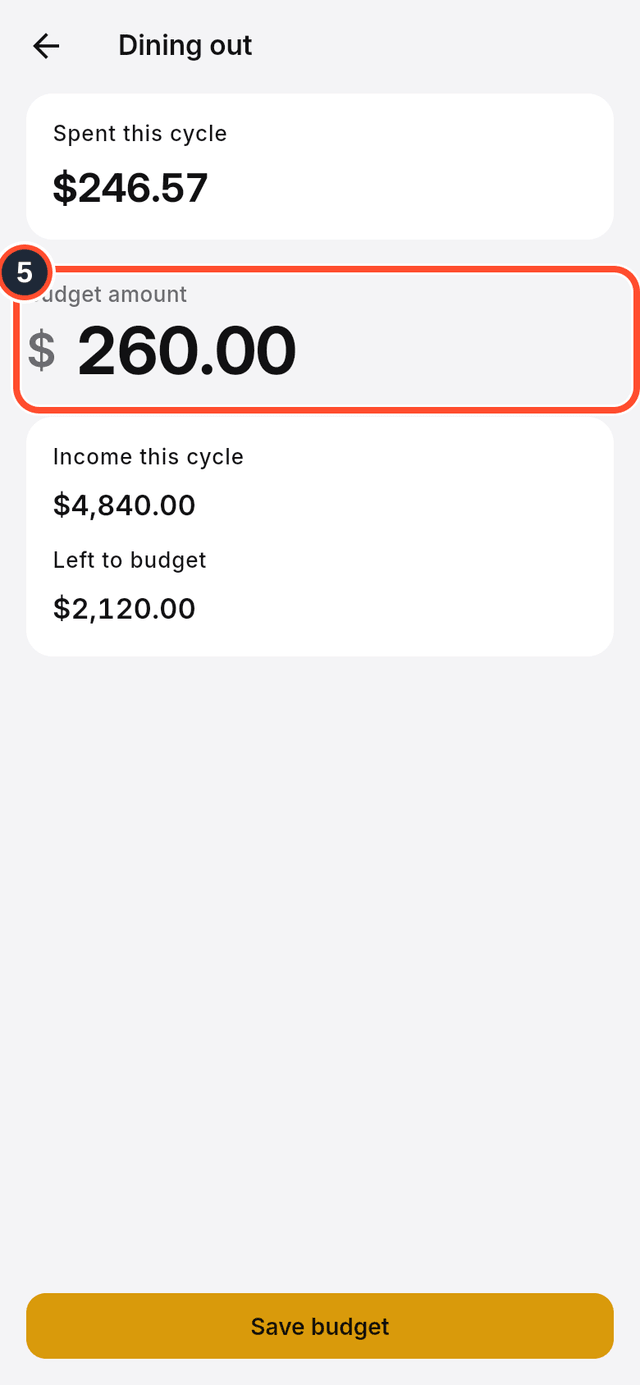
- Change the
Budget amount.
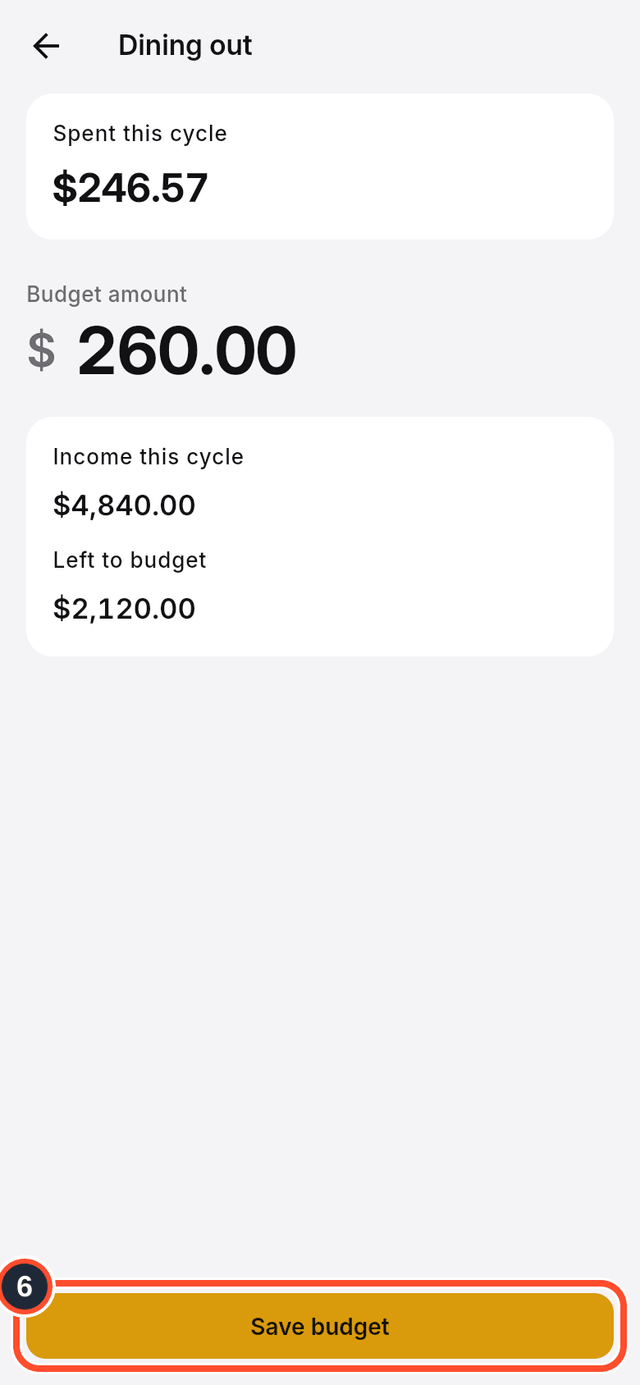
- Tap
Save budget.
Tips
- To reuse a month's budget, tap the icon at the top right of the Budget screen (its label is
Copy budget from another month). - DuoCents sometimes suggests moving budget between categories. Tap
Applyto accept a suggestion orDismissto ignore it.