
Create a savings goal
Set a target amount and watch your progress grow.
Updated 2026-10-07
A savings goal is an amount you want to set aside for something, such as a holiday or an emergency fund. DuoCents shows how close you are.
Where to find it
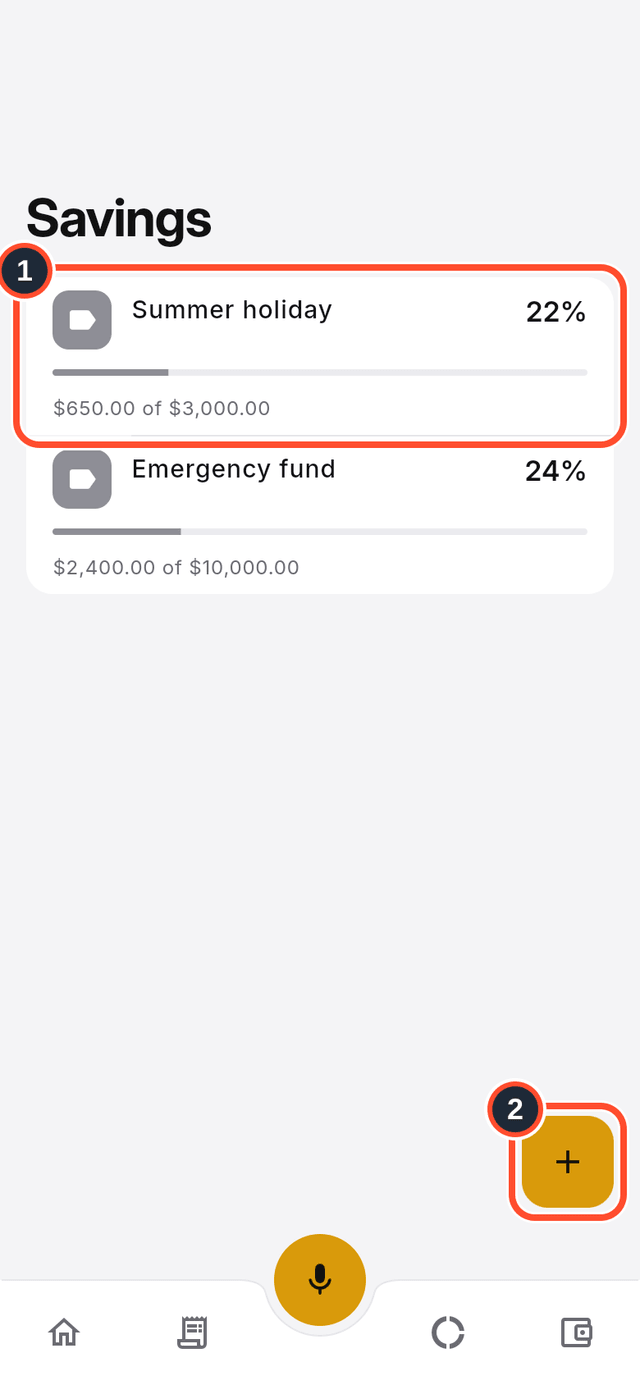
Open the app menu and choose Savings. Each goal shows a progress bar.
Steps
- Open
Savings. Each goal shows how much you have saved out of its target. - Tap the round + button (its label is
Create goal).
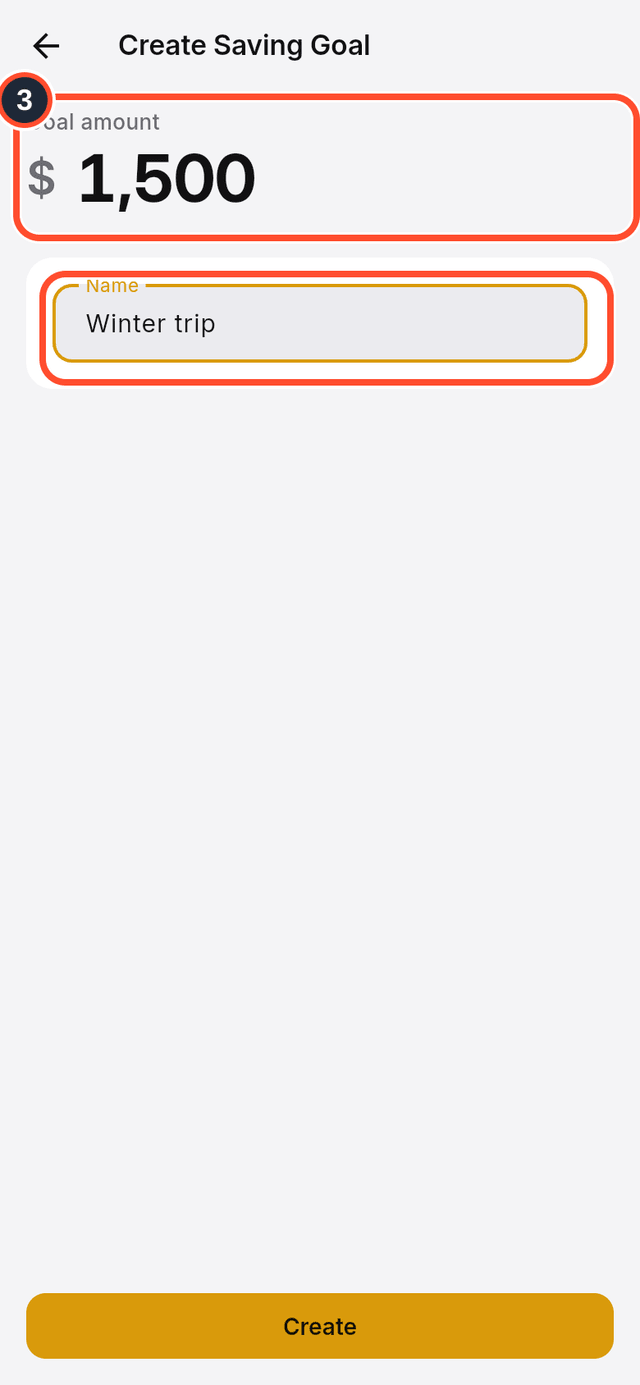
- Type the
Goal amountand give the goal aName.
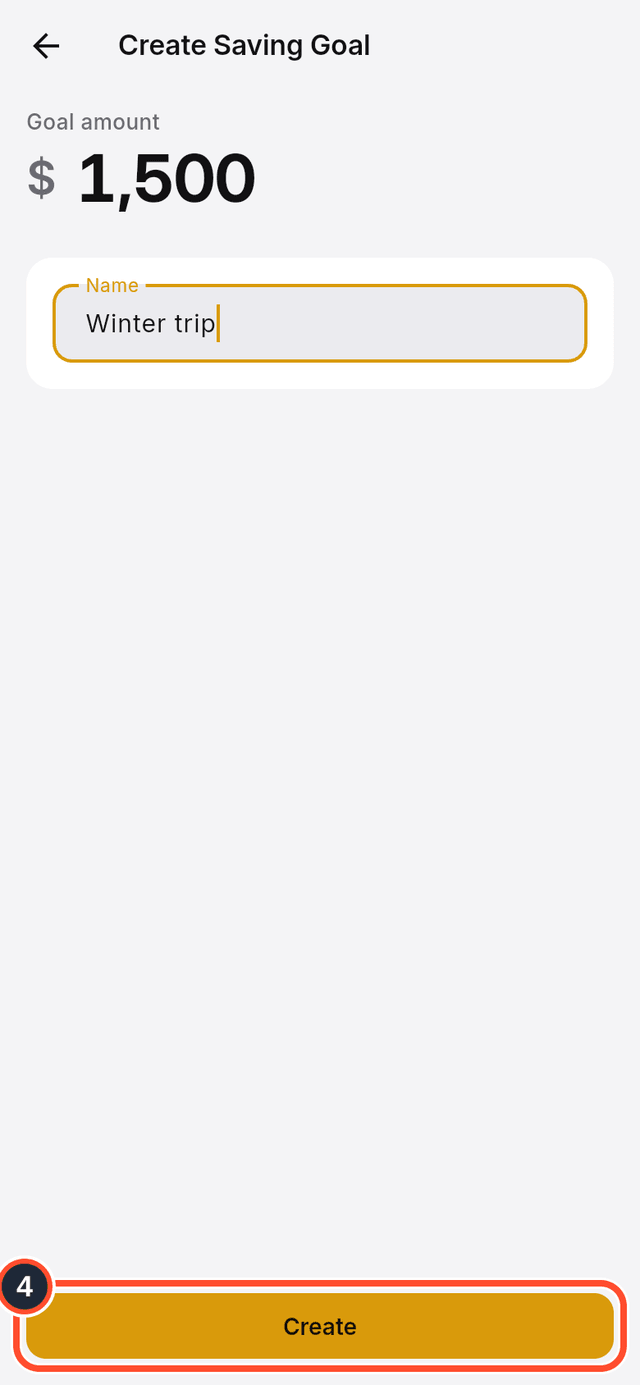
- Tap
Create.
Tips
- Every goal has its own account (shown as
Linked accounton the goal's page), so the money you move into that account counts towards the goal. - Tap a goal to see its
Targetand what you haveSaved.