
Add an installment plan
Track a loan or a purchase that you pay back in monthly parts.
Updated 2026-10-07
An installment plan spreads a purchase or a loan over several months. DuoCents works out the monthly payment and keeps track of what is left to pay.
Where to find it
Open the app menu and choose Installments.
Steps
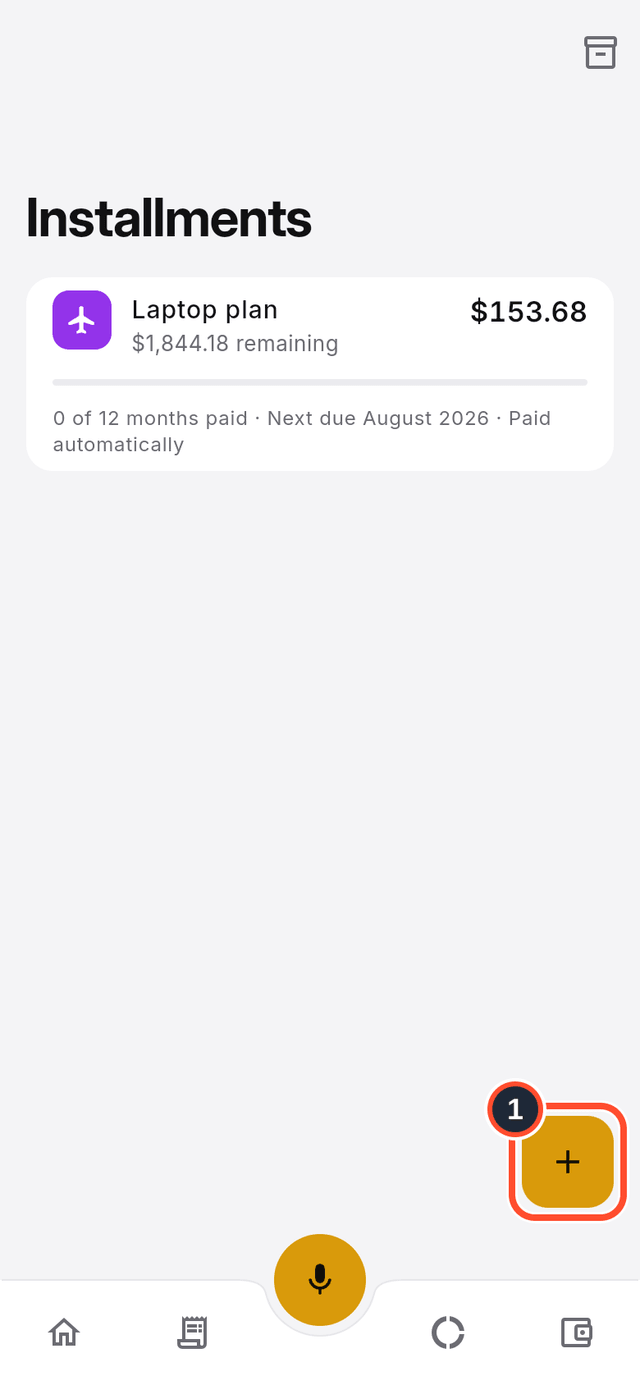
- Tap the round + button (its label is
Create installment).
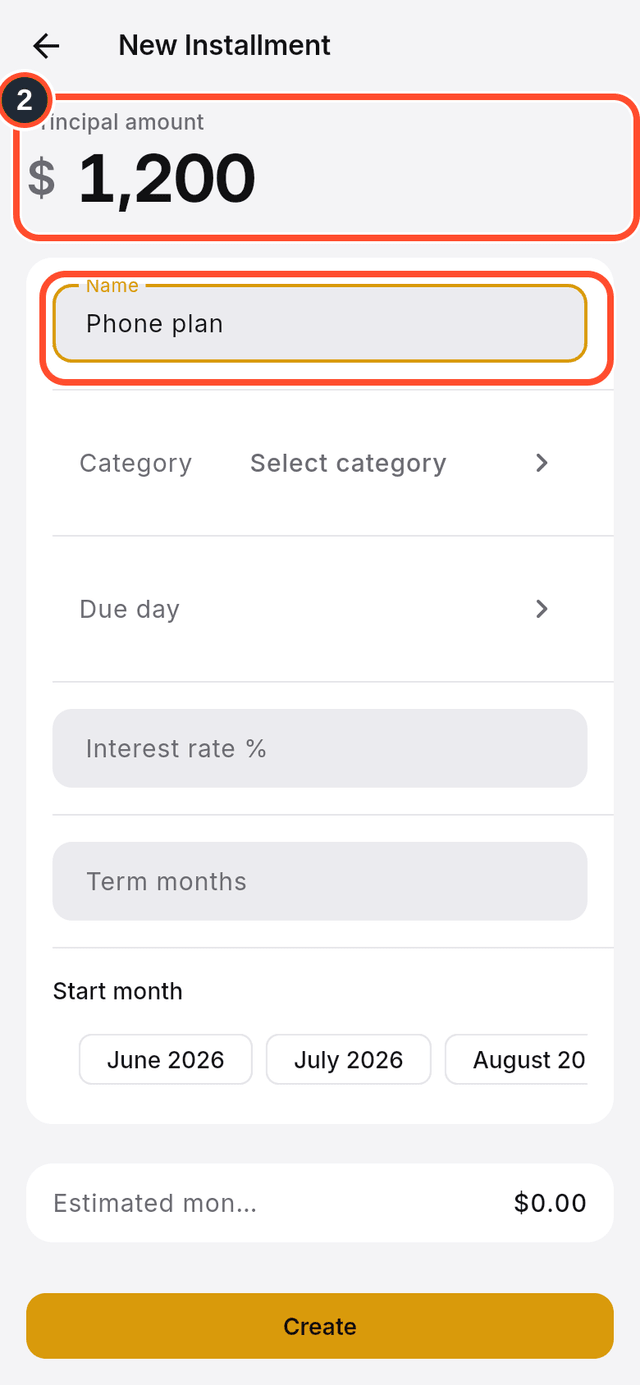
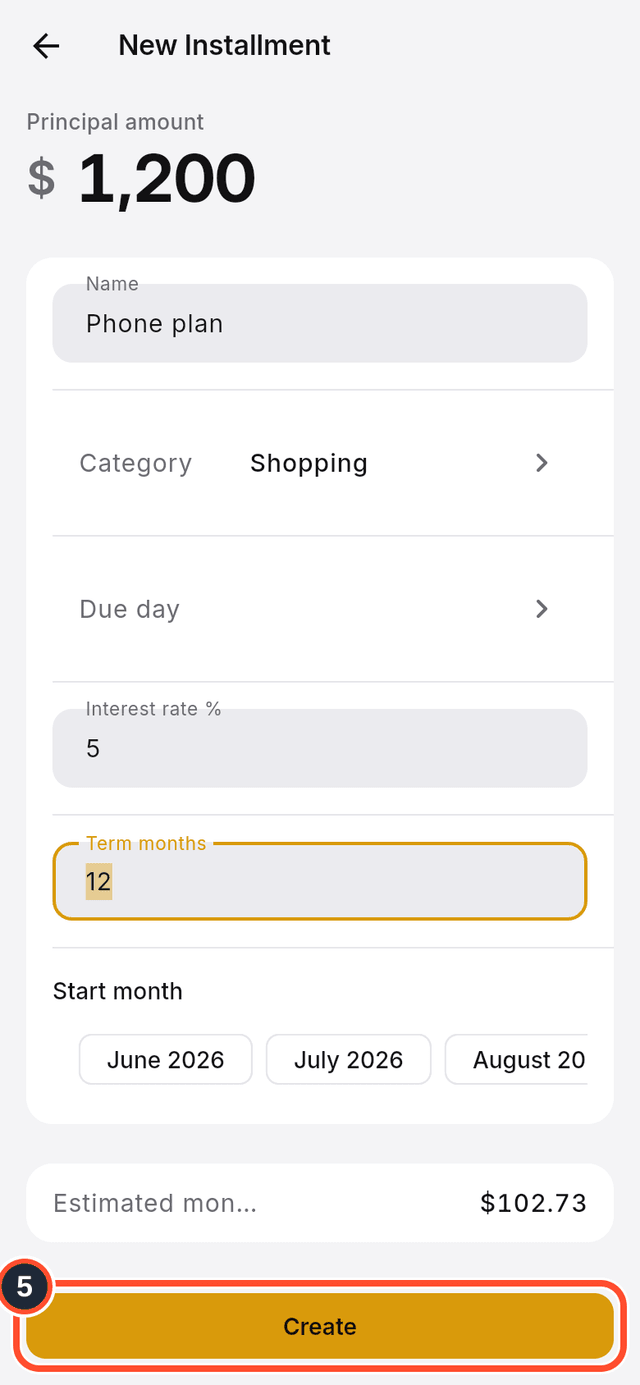
- Type the
Principal amount, the total you are paying back, and aName.
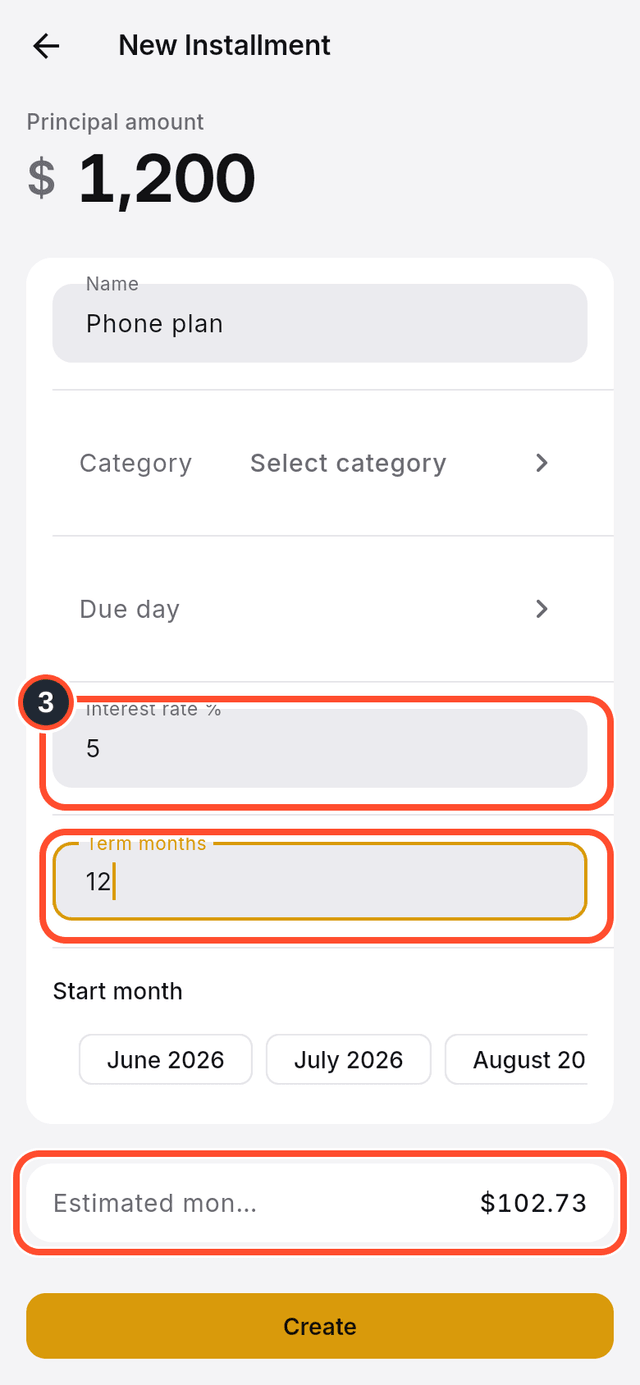
- Enter the
Interest rate %and theTerm months. TheEstimated monthly paymentupdates as you type.
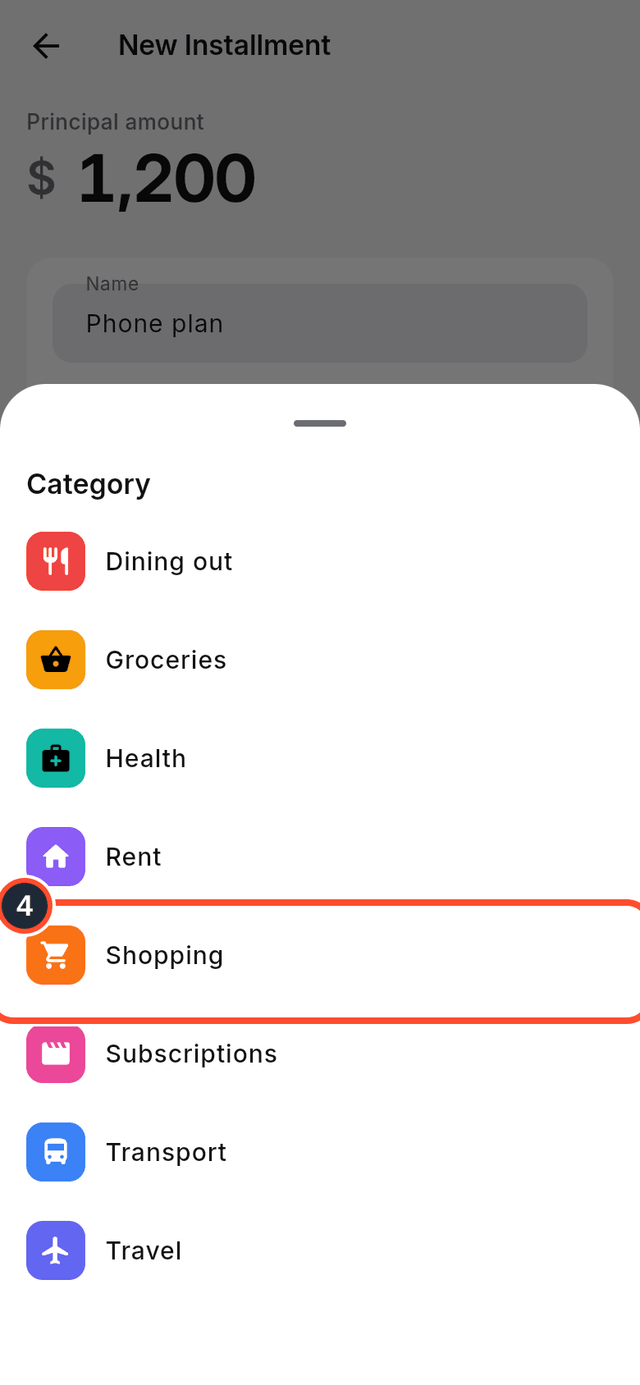
- Tap
Categoryand pick one.
- Tap
Create. Before that you can also choose aDue dayand aStart month.
Tips
- A plan made by splitting a credit-card purchase into installments (from the new transaction form) is paid automatically on the card's due day; the plan you create here is not linked to a card.
- Plans you archive are hidden from the list. Tap the archive icon at the top right (its label is
Show archived) to see them.