
Add an interest rule
Let DuoCents add interest to an account on a schedule, using a formula.
Updated 2026-10-07
An interest rule adds interest to an account at regular intervals. You describe the interest with a formula, and DuoCents shows the yearly rate it works out to.
Where to find it
Open the app menu and choose Interest rates.
Steps
- The top of the screen summarises your rules with
Daily accrual,Monthly estimateandEarned YTD. - Tap the round + button (its label is
Create rule).
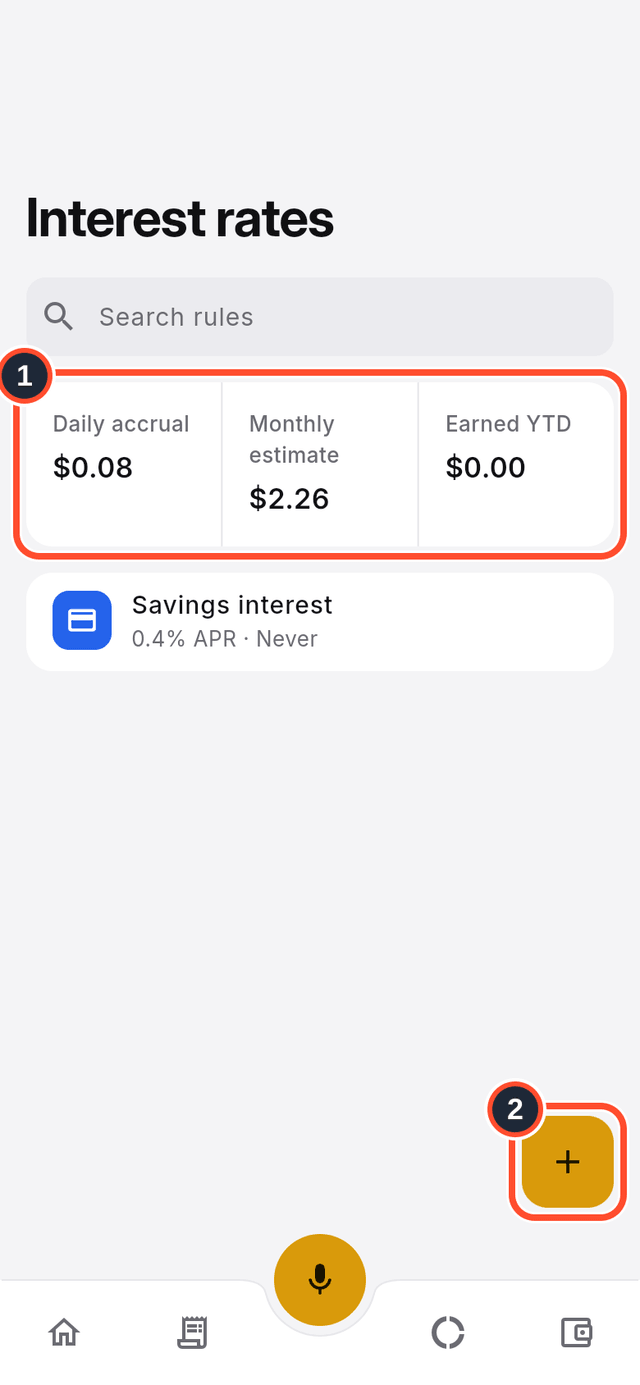
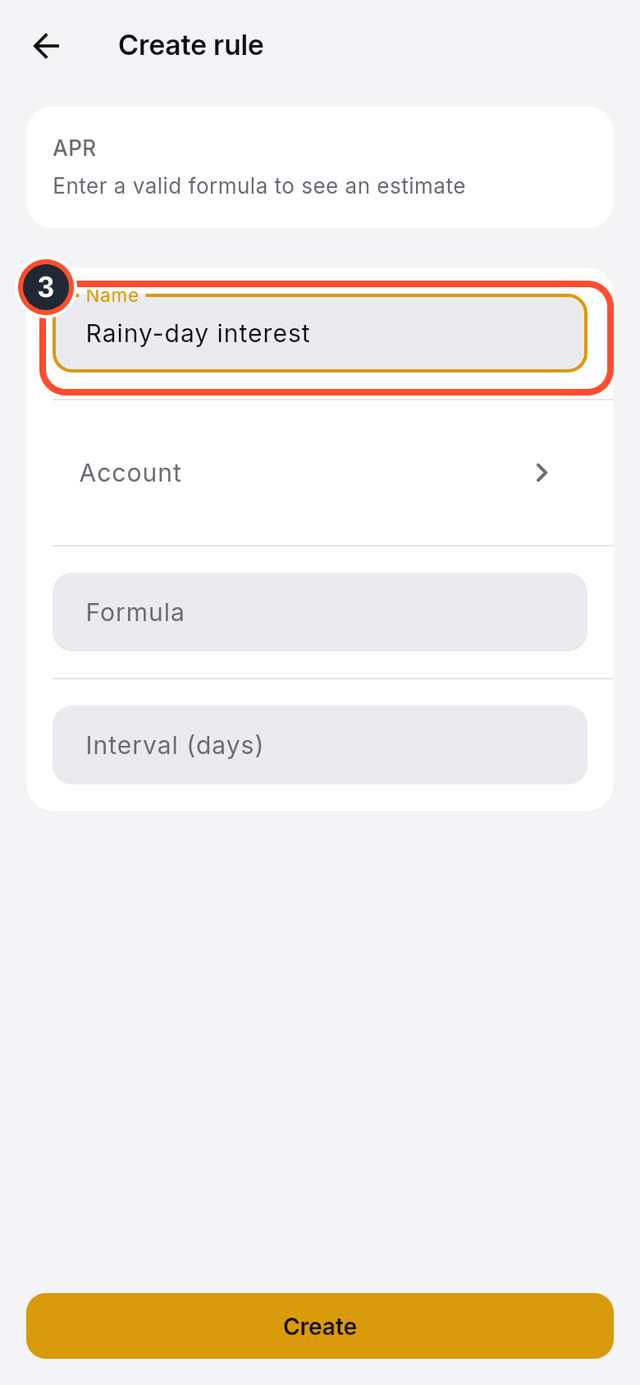
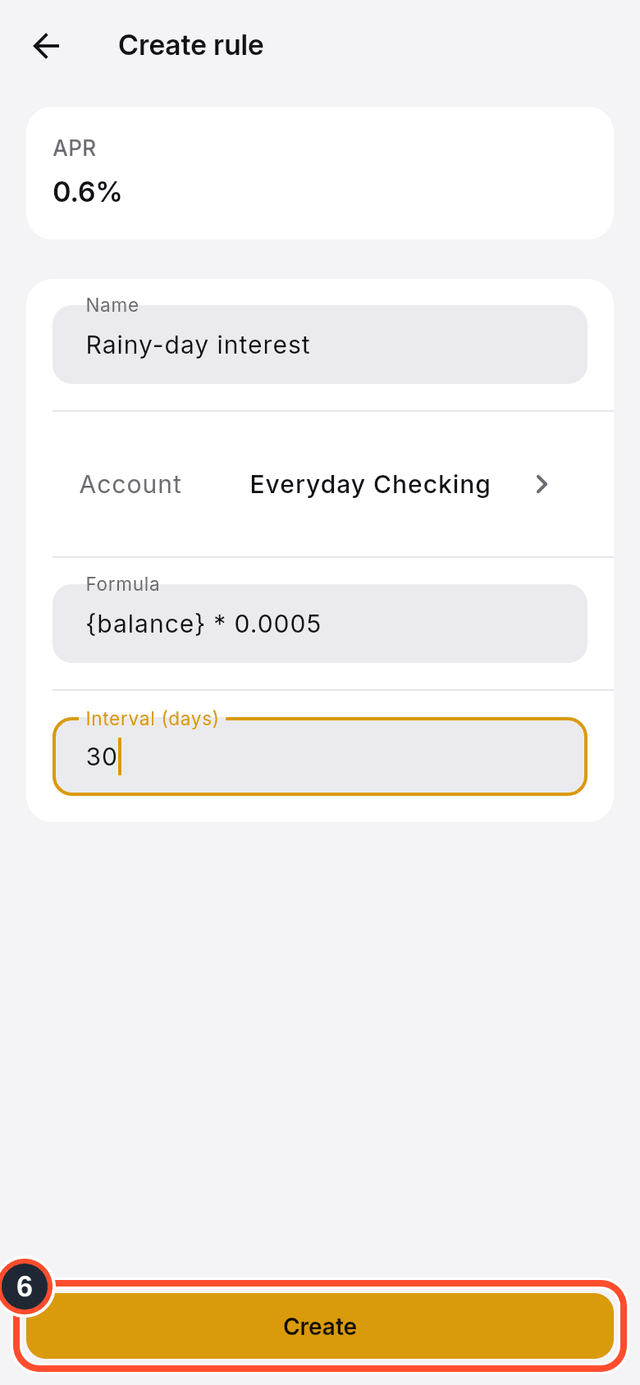
- Type a
Namefor the rule.
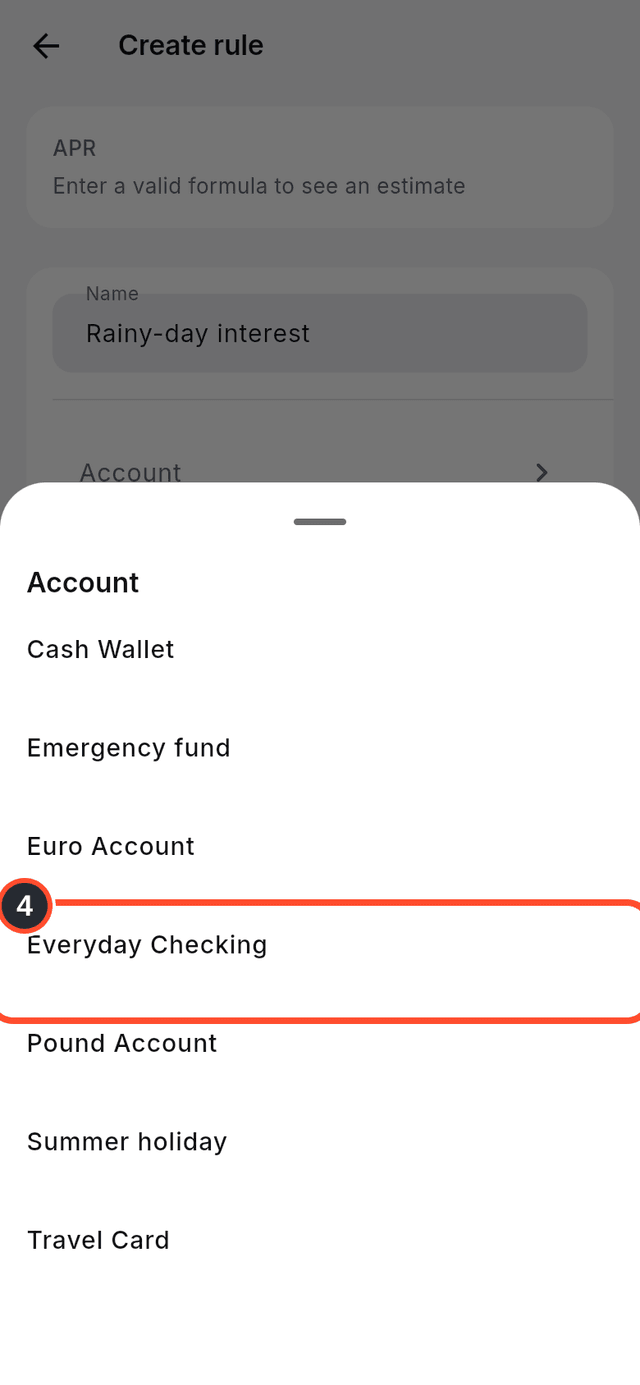
- Tap
Accountand pick the account that earns the interest.
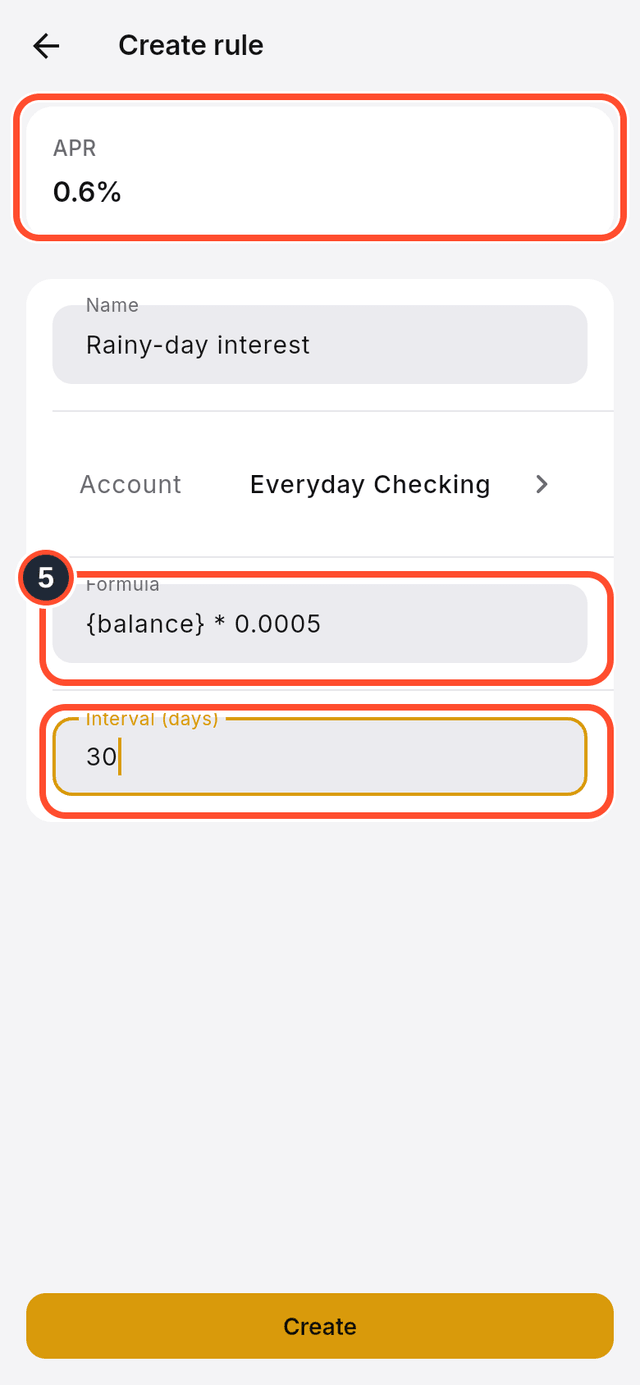
- Type the
Formulaand theInterval (days). In the formula, {balance} stands for the account's balance. TheAPRcard shows the yearly rate.
- Tap
Create.
Tips
- For example, {balance} * 0.0005 every 30 days adds 0.05% of the balance each time, which is about 0.6% a year.
- Each time a rule runs, DuoCents records the interest as income on that account.