
Create a category
Group your spending and income with categories you name yourself.
Updated 2026-10-07
Categories tell you where your money goes. Every transaction belongs to one, and budgets are set per category.
Where to find it
Open the app menu and choose Categories. Expense and income categories are listed separately.
Steps
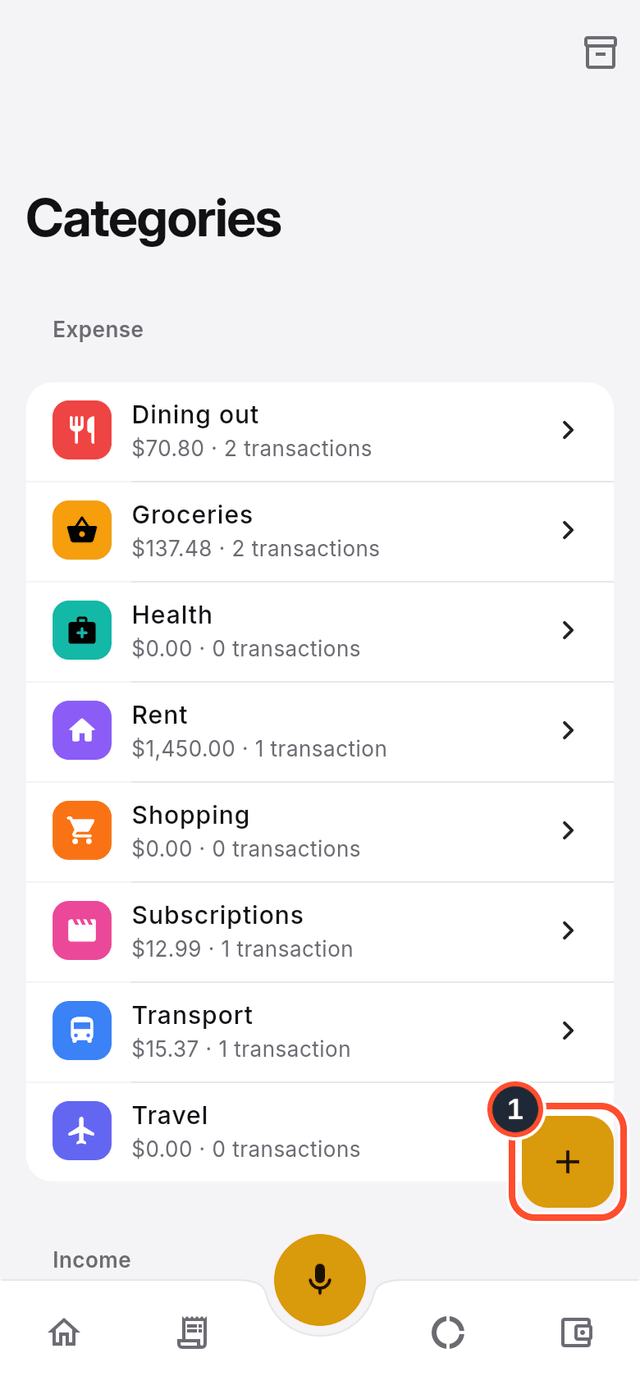
- Tap the round + button on the list (its label is
Create category).
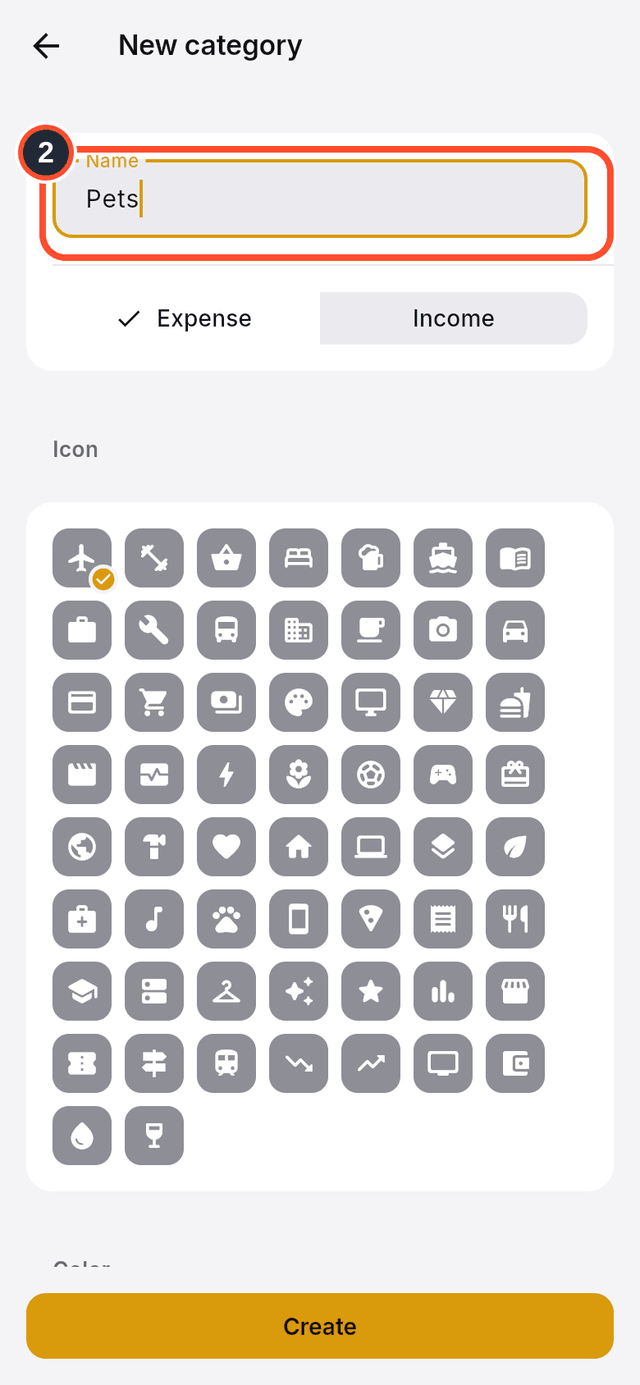
- Type a
Name, for example "Pets".
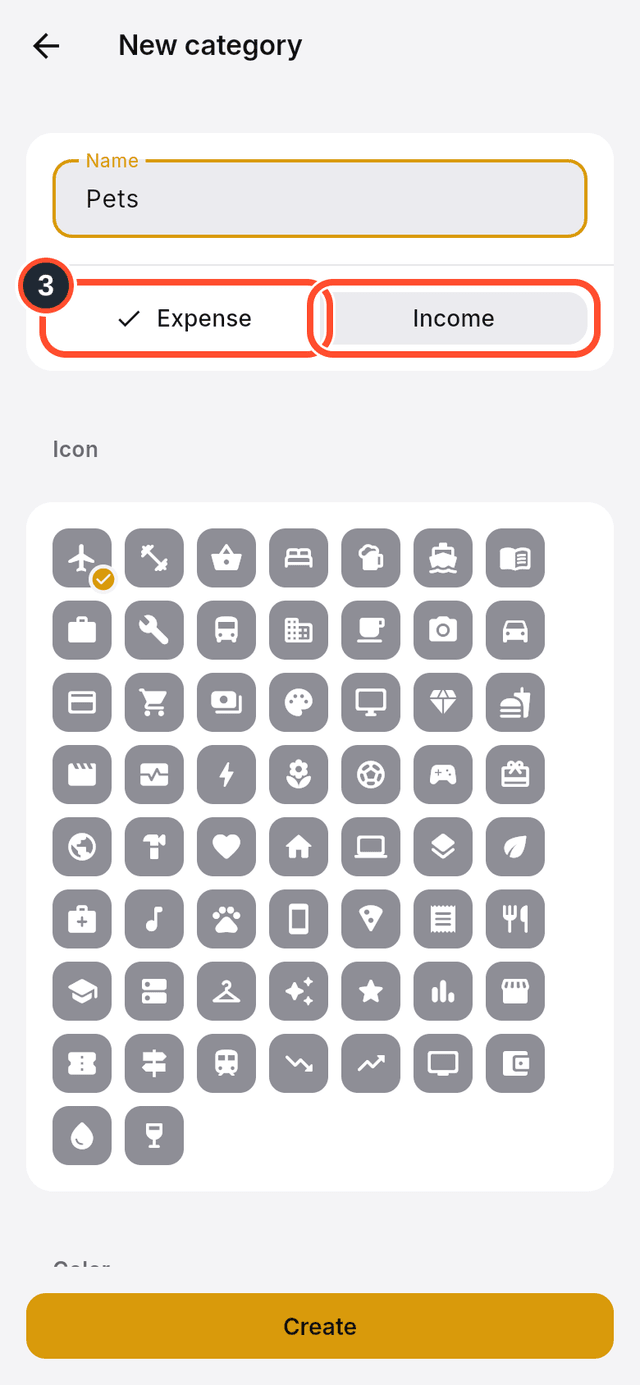
- Choose whether it is an
Expenseor anIncomecategory.
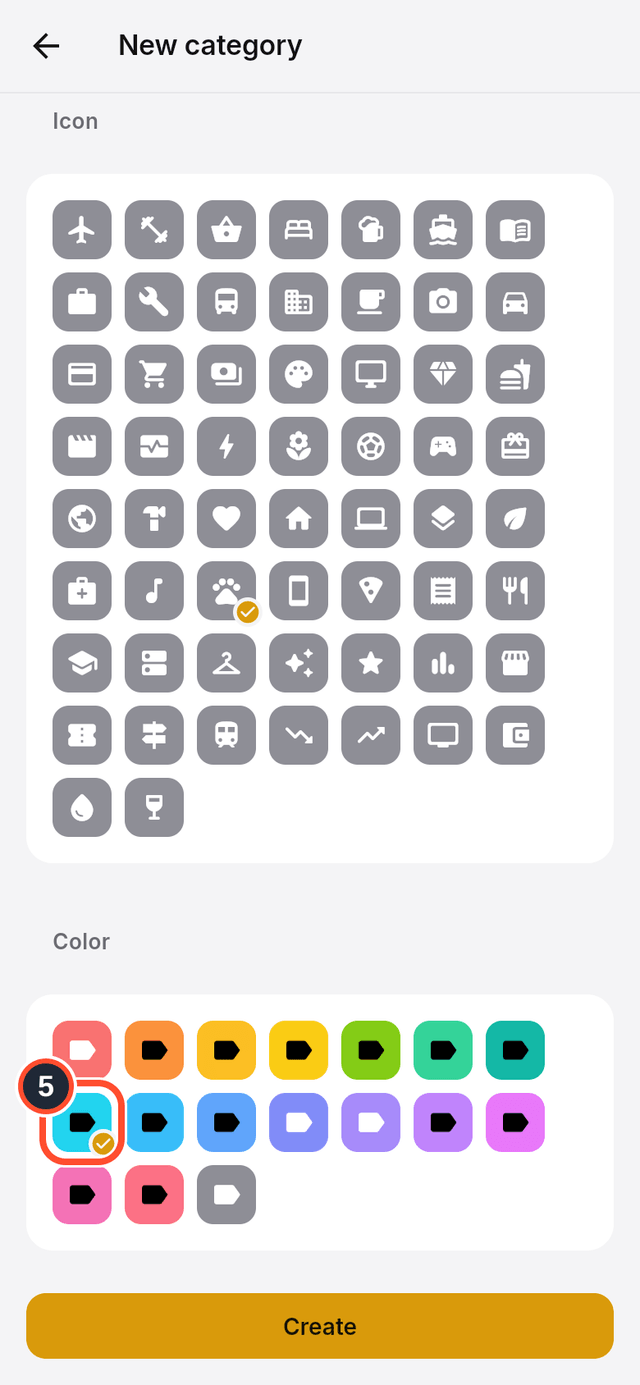
- Scroll down to
Iconand pick one.
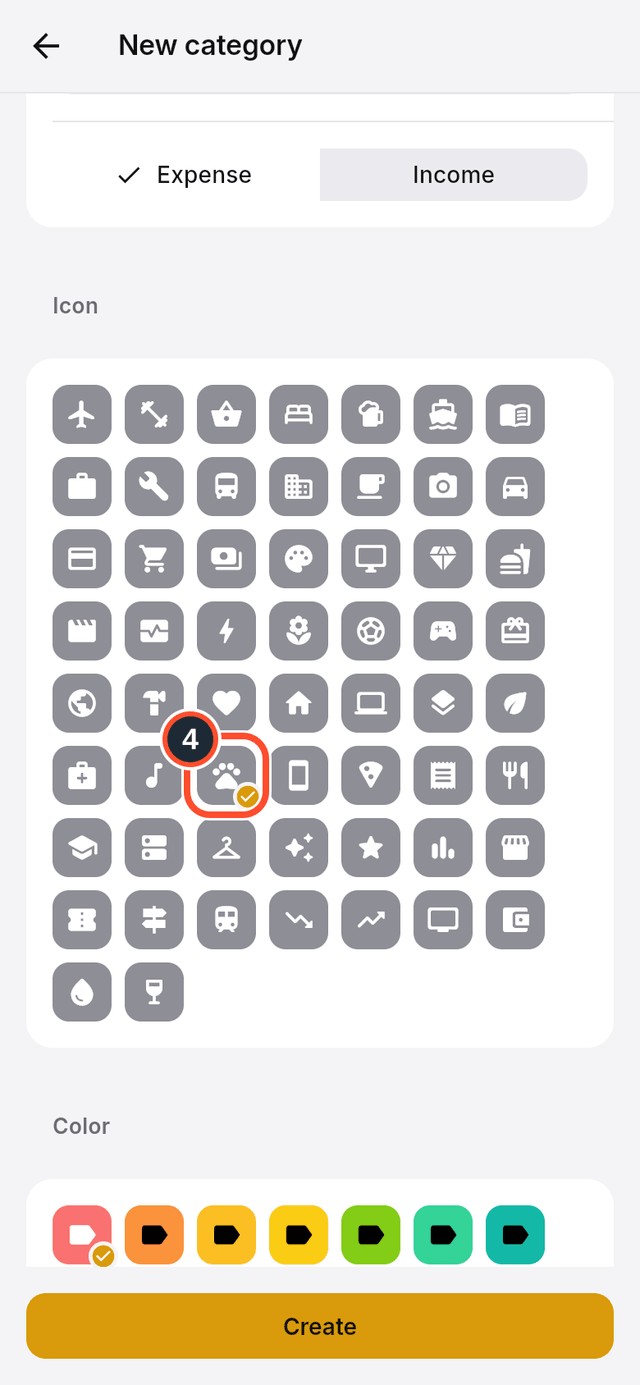
- Pick a colour under
Color, so you can spot the category at a glance.
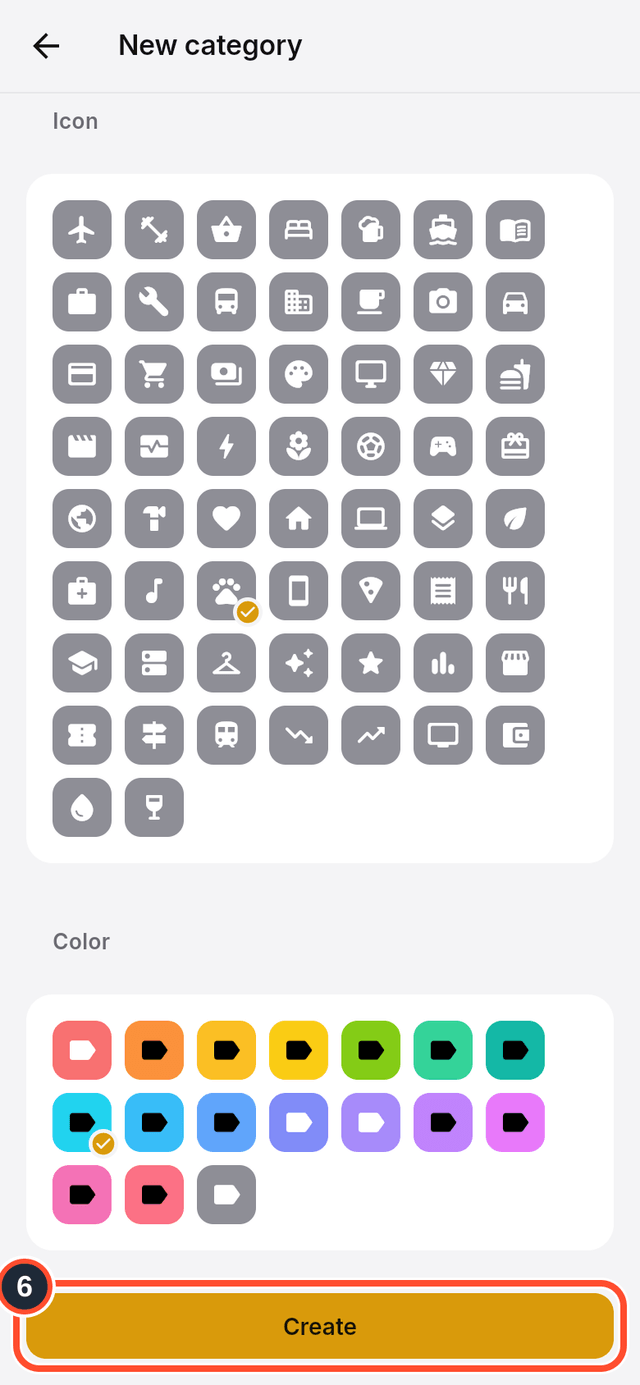
- Tap
Create.
Tips
- Archived categories are hidden from the list. Tap
Show archivedat the top right to see them. - Every budget belongs to a category, so create the categories you want to budget for first.