
Add a transaction
Record an expense, an income or a transfer between your accounts.
Updated 2026-10-07
A transaction is any money coming in, going out or moving between your accounts. Recording them is what powers your balances, budgets and forecasts.
Where to find it
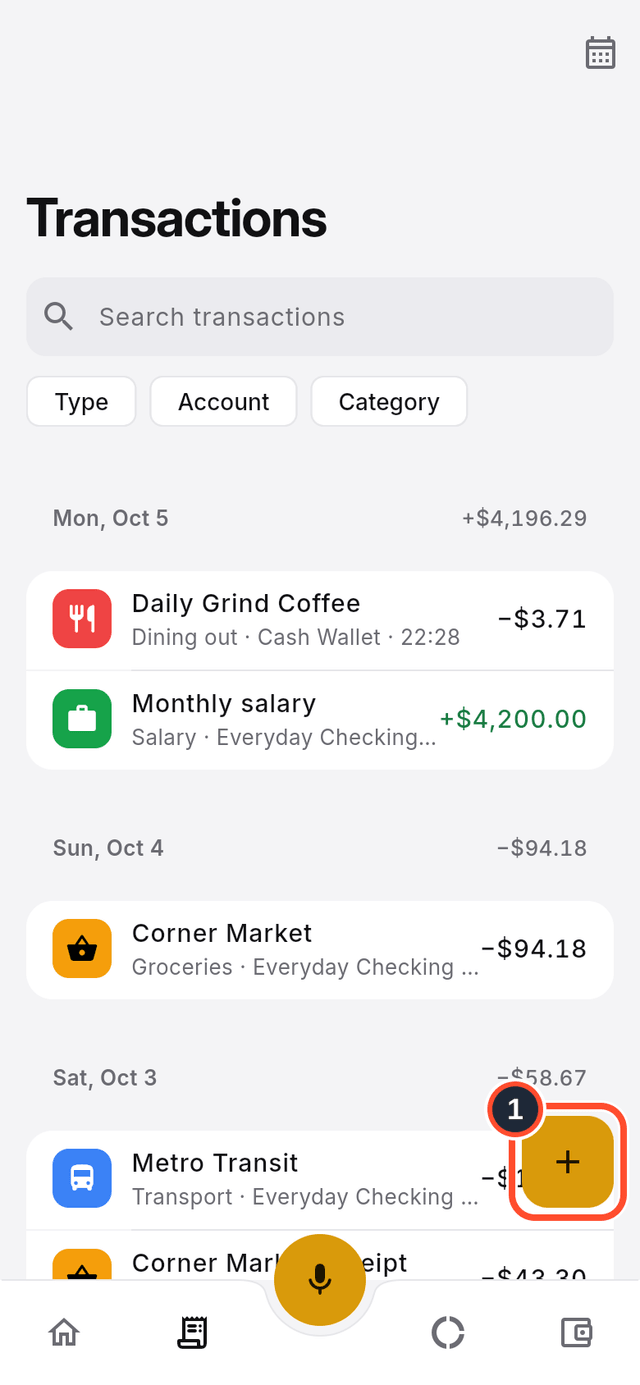
Open Transactions from the bottom bar. The list shows every transaction, newest first, grouped by day.
Steps
- Tap the round + button on the list (its label is
Create transaction).
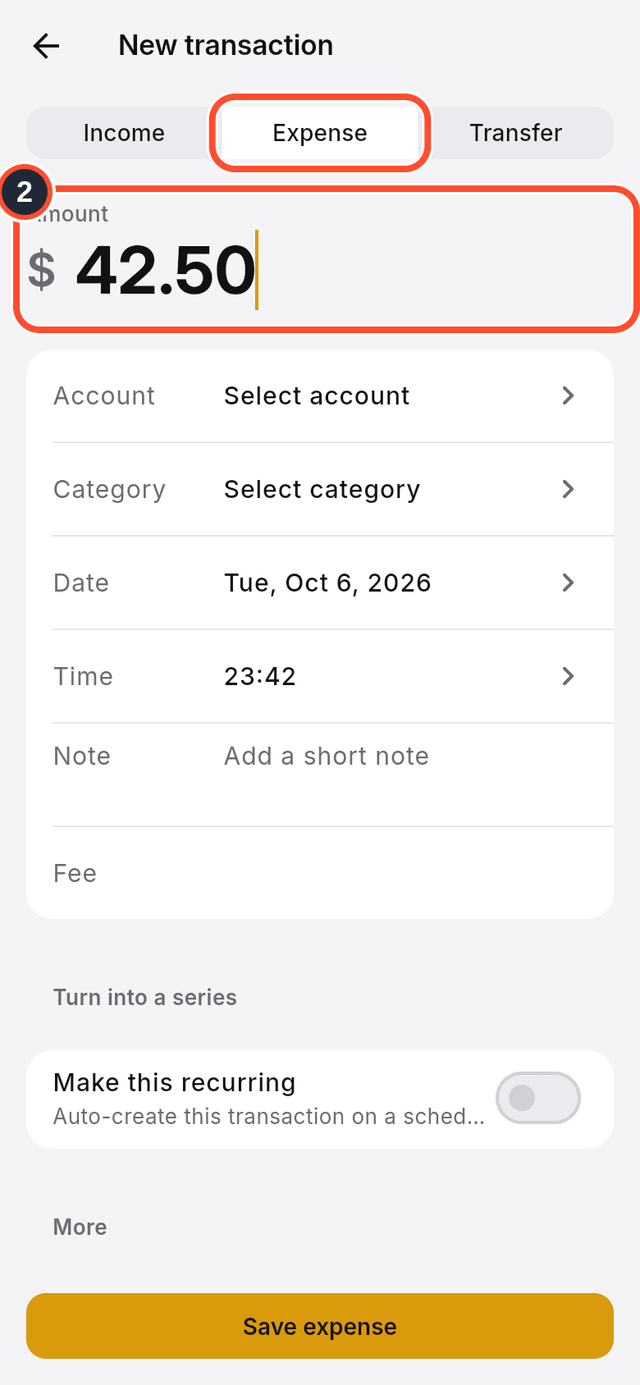
- Choose
Expense,IncomeorTransferat the top, then type theAmount.
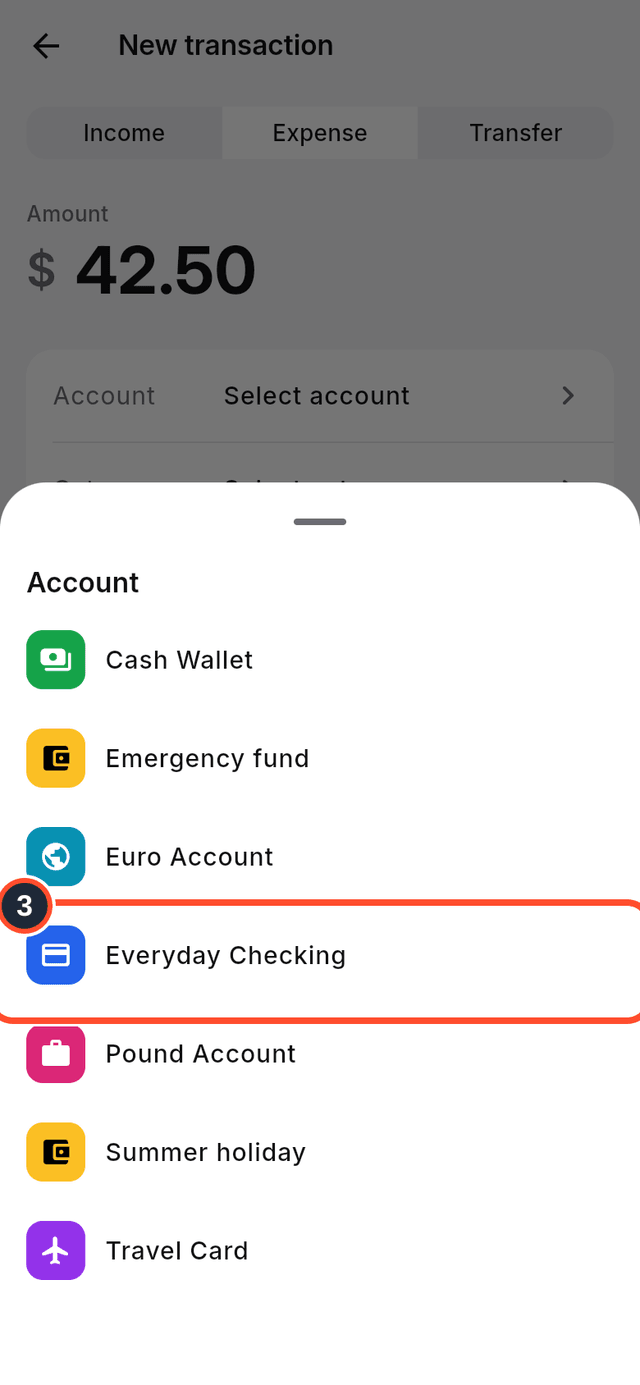
- Tap
Accountand pick the account the money comes from or goes to.
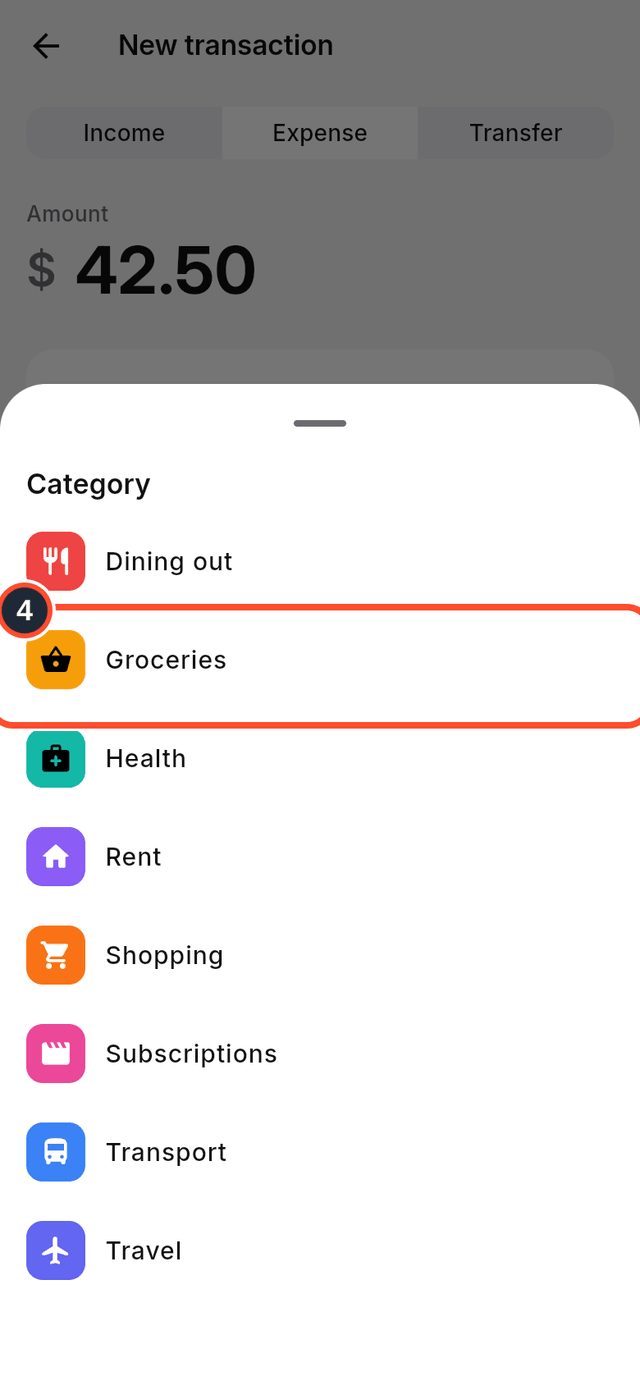
- Tap
Categoryand pick one.
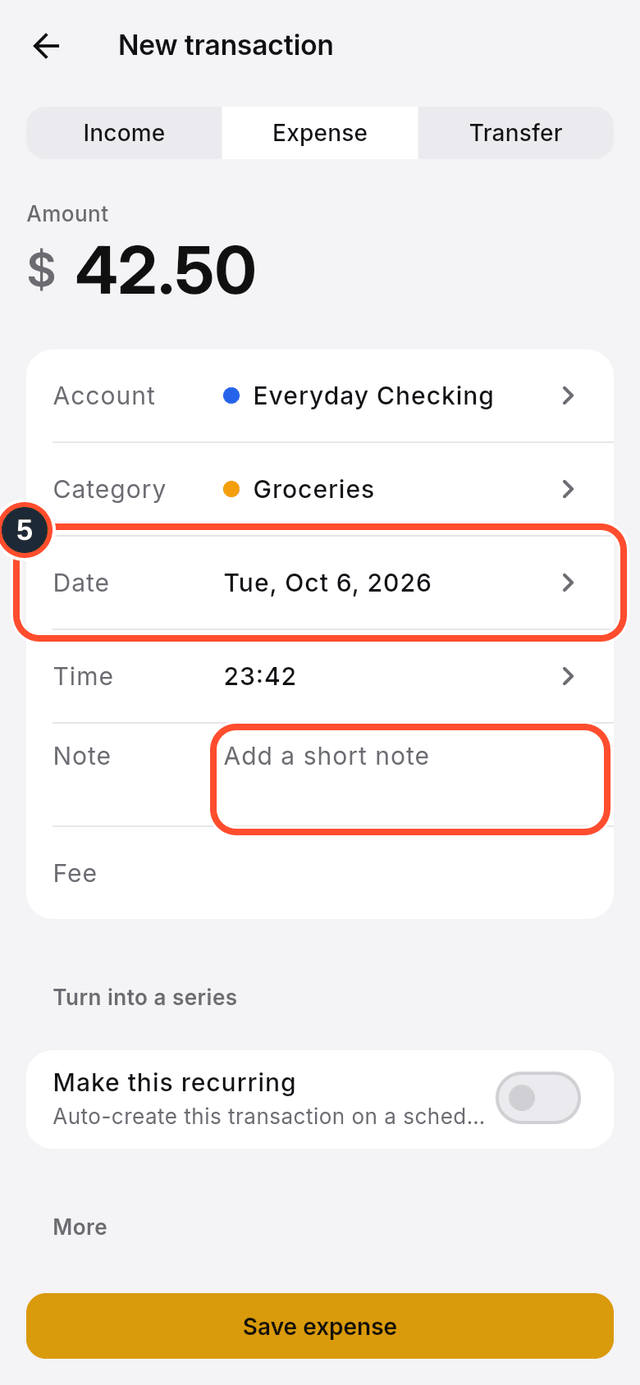
- Check the
Date, and add aNoteif you like. You can also enter aFee.
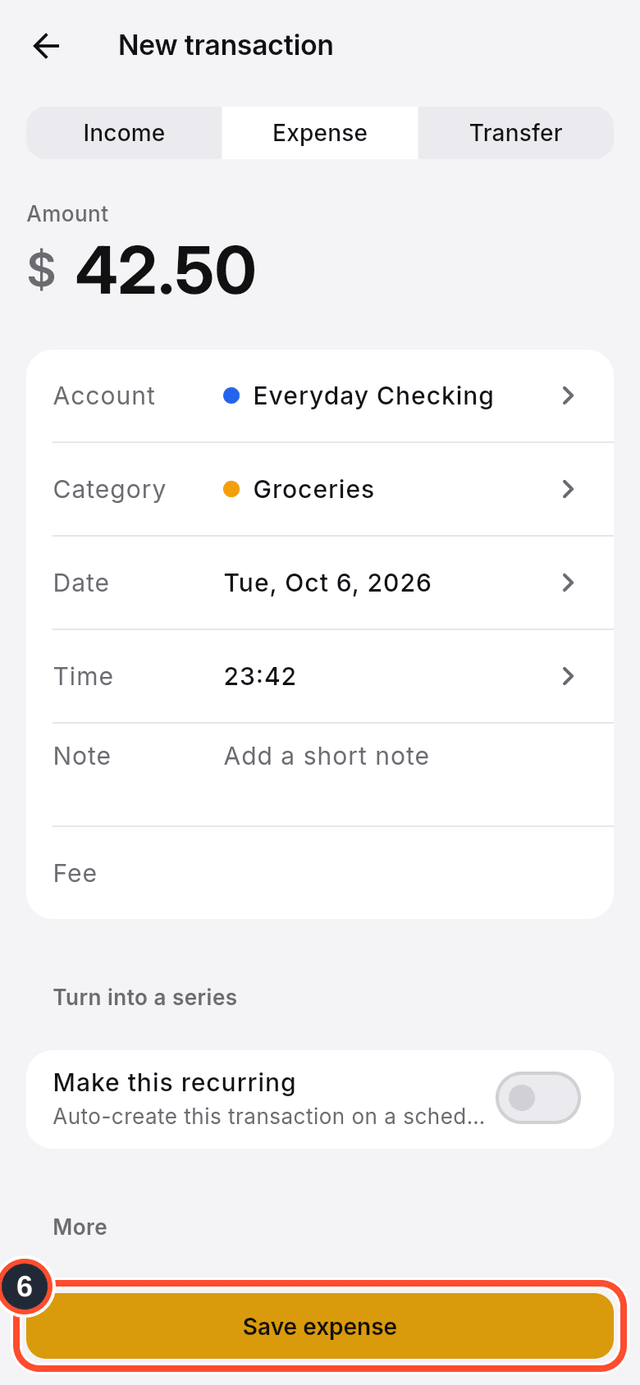
- Tap
Save expense. The button's name follows the type you chose.
Tips
- A
Transfermoves money between two of your accounts, so it asks for two accounts. - If an account uses a different currency from your organization, DuoCents converts it when it adds up your totals.